
How NDR Management Works
A detailed look at how NDR management works — from courier non-delivery reports through buyer outreach, reattempt scheduling, and RTO prevention.
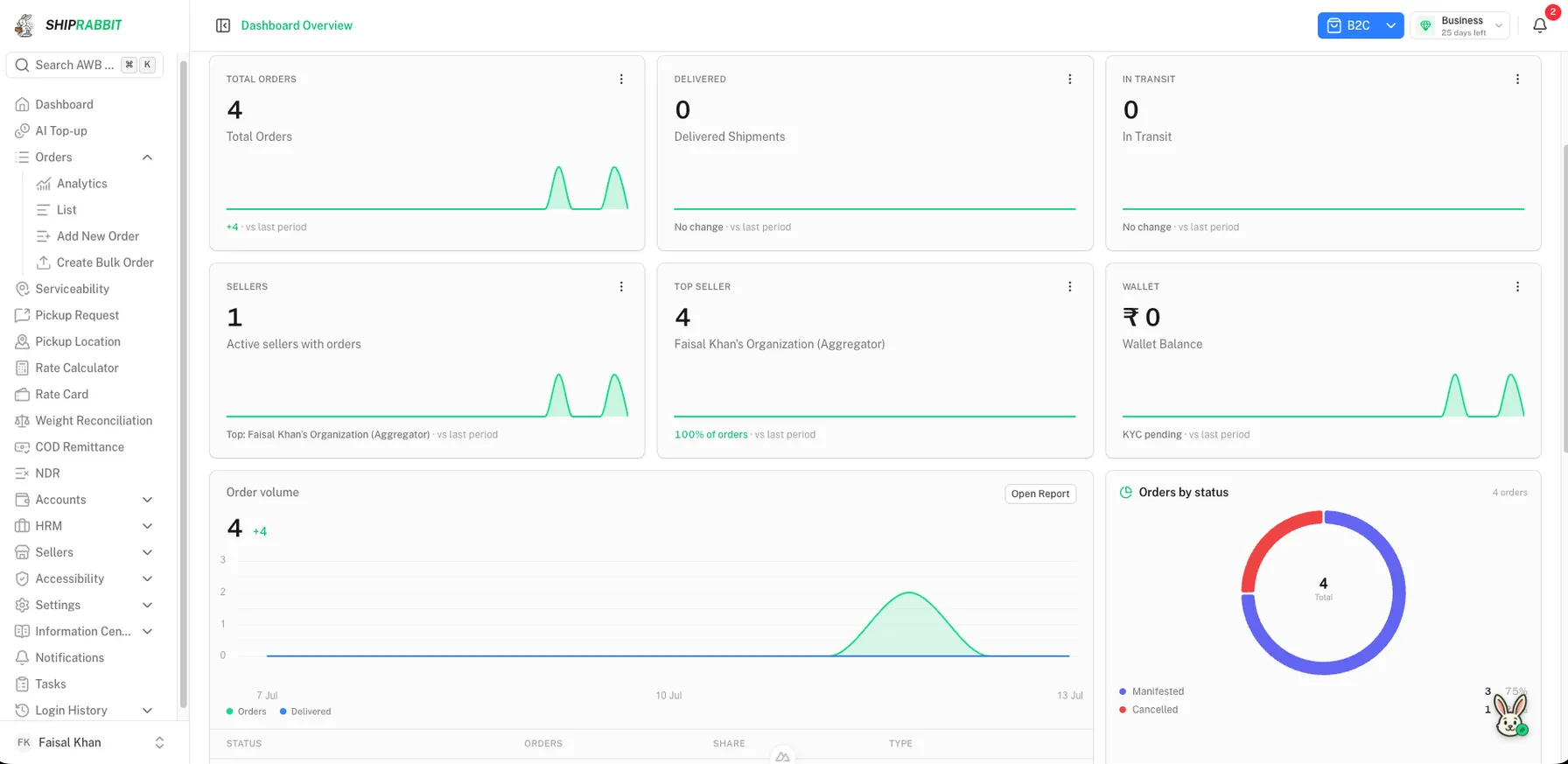
The NDR Lifecycle Step by Step
NDR management follows a repeatable lifecycle from delivery failure through a re-attempt decision or an RTO decision. Understanding each step helps a team respond while the shipment can still be actioned.
A common operations design looks like this. It describes how teams often run the work. It is not a list of what ShipRabbit sends to a courier.
Step one: the courier records a failed delivery attempt and generates an NDR event linked to the AWB. Step two: your system ingests the NDR via webhook, API poll, or aggregator feed. Step three: the NDR enters a triage queue prioritized by order value, attempt count, and time remaining before auto-RTO. Step four: your team or automation contacts the buyer. Step five: you submit a carrier action — reattempt, address update, or RTO request. Step six: the carrier executes the action on the next delivery cycle or initiates return.
For NDR definitions and business context, read what NDR management is first.
Ingesting NDR Events from Couriers
Direct courier integrations receive NDR data through webhooks when the carrier pushes exception events, or through scheduled polling of tracking APIs that expose attempt history and failure codes. Payload formats differ: some carriers send structured JSON with explicit action deadlines; others require parsing free-text remarks.
Multi-carrier operations get harder because each partner uses different reason codes and action APIs. Some products try to normalize those events into one queue and one submission screen. That is a product design, not a property of every aggregator platform.
A direct courier connection, where a team builds one, usually includes the pieces below. ShipRabbit does not pull NDR events from courier webhooks or tracking. An aggregator uploads a CSV of waybills and chooses B2B or B2C. A row is stored only when it matches an order on that account. Those matching records are the list the team works from.
- Webhook listeners for real-time NDR push from carriers
- Scheduled polling jobs as fallback when webhooks miss events
- Reason code mapping tables per carrier to unified categories
- Deadline calculation based on carrier-specific RTO timers
- Duplicate detection when carriers resend the same NDR event
Buyer Outreach and Response Capture
This section is how operations teams often contact a buyer. It is not a ShipRabbit feature. ShipRabbit does not message the consignee.
Once a team has the failed shipment in front of them, many send an SMS or a WhatsApp message, because buyers in India answer on a phone. A useful message names the order, says why delivery failed, and asks for a time, a corrected address, or a cancellation.
Some teams add an IVR call when a text goes unanswered. A short script names the order, explains the missed delivery, and offers keypad options to confirm another attempt or a cancellation.
Write the reply down in a form the team can read later, not only in a spreadsheet note. On systems that submit to a courier, a confirmed time can become a re-attempt instruction and a corrected pincode can become an address update. Those submissions are a separate build. They are not started by recording a request on the ShipRabbit desk.
Prioritization rules
Not every NDR needs equal urgency. Prioritize high-value COD orders, first-failure NDRs with time before auto-RTO, and repeat buyers with strong LTV. Deprioritize NDRs on orders where the buyer already requested cancellation through support. Configurable rules prevent staff from processing low-recovery cases while high-value shipments age toward RTO.
Submitting Actions Back to the Carrier
Some courier APIs accept a re-attempt with a preferred date, an updated address and phone, a hold, or an RTO when the buyer cancels. Teams that use those APIs send the instruction before that courier's cutoff, often described as 24 to 72 hours, or the courier starts the return on its own. ShipRabbit records the re-attempt or RTO request and emails the seller or aggregator. It does not call a courier API.
Bulk action submission matters during peak sale periods when NDR volume spikes. Operations teams should select multiple AWBs with the same action type and submit in batch rather than processing one at a time in courier portals.
Track action submission status and confirm the carrier accepted the request. Rejected actions — invalid address format, past cutoff, shipment already in RTO — should surface as alerts for manual intervention.
| Action type | When to use | Carrier outcome |
|---|---|---|
| Reattempt delivery | Buyer confirms availability | Second delivery attempt scheduled |
| Address update | Buyer provides corrected details | Delivery retried to new address |
| Hold / delay | Buyer requests specific date | Shipment held until date |
| RTO confirm | Buyer cancels or unreachable after outreach | Return freight initiated |
Measuring NDR Management Performance
Track NDR volume as a percentage of out-for-delivery shipments, response rate within 24 hours, reattempt success rate, and NDR-to-RTO conversion rate. Compare metrics across couriers to identify partners whose failure reasons correlate with address issues versus buyer availability — different root causes need different fixes.
Teams that send their own messages sometimes compare wording. A higher reply rate is not the same thing as a recovered delivery, and there is no percentage that applies to every business.
Share NDR metrics with RTO reduction program owners weekly. NDR performance is a leading indicator; RTO rate is the lagging outcome.
Implementing NDR Management with ShipRabbit
ShipRabbit is the platform a logistics business uses. The NDR desk is for the aggregator and the sellers on that account, not a consumer tracking page.
An aggregator uploads a CSV of waybills and chooses B2B or B2C. A row is kept when it matches an existing order. The list can be searched, filtered by seller and channel, and exported. A record can show the seller, the courier on the order, the consignee, the rejection reason, the remark, origin, destination, and the attempt count.
On an open record the team records a re-attempt request or an RTO request. The action, the person, and the time are stored. The seller is emailed when the aggregator records the action, and the aggregator is emailed when the seller records it. Sellers can see and act on their own records. The update stores the request and queues that email. It does not call a courier API, message the consignee, or run the delivery.
The same account also covers shipments, sellers, and tracking. That broader product is courier aggregator software.
Integrating NDR with Customer Support
Buyers often contact support about a missed delivery before the operations list shows the case. Linking the ticket to the waybill keeps two people from recording opposite decisions. If the buyer gives a corrected address in chat, the team may pass that address to the courier through the channel that courier accepts. ShipRabbit does not submit an address update to a courier API.
Where a company uses support chat, SMS, and IVR together, those channels can reach the buyer at the same time with different instructions. Coordinating them is an operations task. ShipRabbit's desk does not send those messages.
For aggregators managing seller networks, sellers need to see exceptions on their own orders. On ShipRabbit, a seller sees their own NDR records and can record a re-attempt or RTO request. The aggregator sees the sellers on the account, can filter to one seller, and can export the list.
Common NDR Workflow Mistakes
Checking courier portals once a day during a sale can leave waybills past a cutoff overnight. A team that messages buyers still needs someone to review the open list. ShipRabbit's list is that review. It does not send the messages.
Submitting reattempt without confirming buyer availability repeats the same failed delivery pattern. Outreach must capture affirmative availability windows before reattempt action submission.
Ignoring NDR reason codes treats all failures identically. Address issues need correction workflows; refusal reasons may indicate catalog or expectation problems requiring different responses than unreachable buyer cases.
Using different phone numbers in outreach than those on the shipping label confuses buyers and courier agents who call the label number while your SMS comes from a different system.
Scaling NDR Operations During Peak Season
Festive sales multiply NDR volume while staffing may not. Teams that run their own outreach prepare templates and priority rules before the sale. ShipRabbit does not include those templates, and it does not submit a batch of requests to a courier.
Temporary staff need simplified NDR interfaces showing only action-required cases with scripted buyer call guides. Hide low-priority NDRs from temp workers; reserve complex disputes for experienced team members.
Post-peak retrospective analyzing NDR-to-RTO conversion during the sale identifies whether volume broke process or whether carrier capacity degradation caused failures requiring routing changes before the next campaign.
NDR Metrics Dashboard Essentials
Track daily NDR volume, average response time, reattempt success rate, and NDR-to-RTO conversion rate on a single dashboard visible to operations leadership. Trend lines matter more than point-in-time snapshots — rising NDR-to-RTO conversion signals process breakdown even when absolute NDR count looks manageable.
Compare NDR performance across couriers to identify partners whose failure reason mix suggests address locate problems versus buyer availability problems, routing different root causes to different remediation playbooks.
ShipRabbit’s operational desk for undelivered shipments is NDR management.
Key Takeaways
- Step 1: Courier generates NDR with reason code when delivery attempt fails
- Step 2: The team gets the waybill, the reason, and the seller into one list
- Step 3: Buyer confirms availability, corrects address, or requests rescheduling
- Step 4: A re-attempt or RTO decision is recorded, then sent to the courier only where that courier accepts it
- Step 5: Unresolved NDRs escalate before the RTO window closes
Frequently Asked Questions
What communication channels work best for NDR follow-up?
In India, teams often message buyers by SMS or WhatsApp, and some add an IVR call when a text goes unanswered. Those are outreach choices for the operation. They are not built into every NDR desk.
How many reattempts do couriers typically allow?
Most couriers allow two to three delivery attempts before initiating RTO, though policies vary by partner and shipment type.
Can I manually intervene in NDR cases?
Yes. A desk should show open records so the team can review them and record a re-attempt or RTO request. Sending that request to the courier is a separate step. ShipRabbit stores the request and emails the seller or aggregator. It does not call a courier API.
Does an NDR desk guarantee recovered deliveries?
No. Recording a re-attempt or RTO request is the team's decision on that shipment. Whether the courier attempts again depends on that courier relationship. There is no single recovery rate that applies to every business.
ShipRabbit
See how ShipRabbit manages multiple courier partners from one dashboard
Reduce shipping costs, improve delivery success, and scale operations without switching between courier portals.
Related Articles
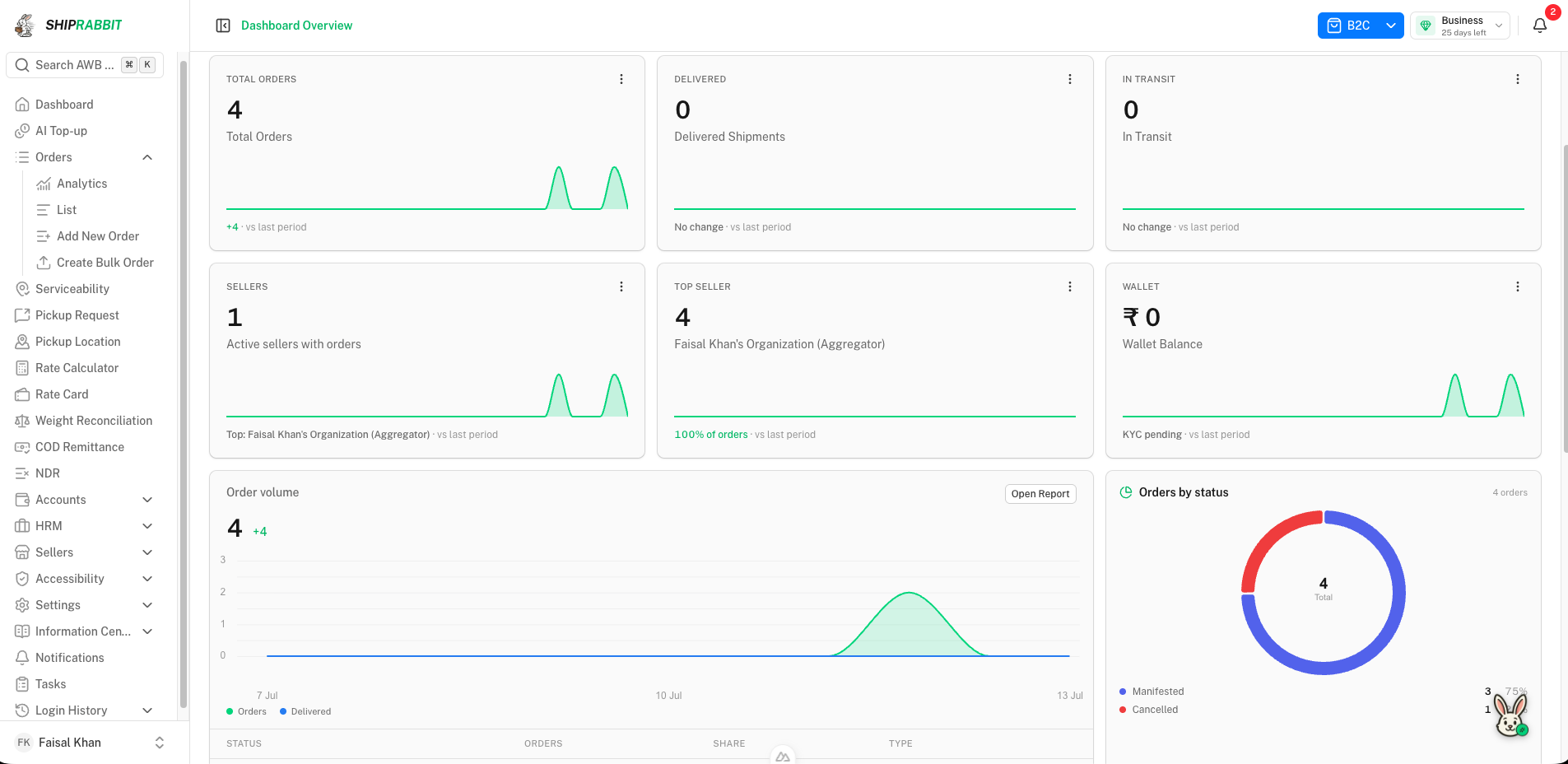
What Is NDR Management?
Learn what NDR management is, how non-delivery reports work, why they lead to RTO, and how a logistics team follows up on a failed delivery.
Read article →How to Reduce RTO in eCommerce
Proven strategies to reduce RTO in eCommerce — address verification, COD confirmation, NDR follow-ups, and pincode-level courier optimization.
Read article →How to Improve eCommerce Delivery Success Rate
Actionable strategies to improve your eCommerce delivery success rate — courier selection, NDR automation, address validation, and performance analytics.
Read article →Shipping Automation for eCommerce Businesses
How shipping automation helps eCommerce businesses scale — auto label generation, tracking sync, NDR workflows, courier rules, and API integrations.
Read article →Stay ahead in eCommerce logistics
Get practical shipping guides, courier insights, and automation tips delivered to your inbox.