
What Is NDR Management?
Learn what NDR management is, how non-delivery reports work, why they lead to RTO, and how a logistics team follows up on a failed delivery.
The Short Answer
NDR management is the process of handling Non-Delivery Reports — carrier-generated alerts when a shipment could not be delivered on an attempt. An NDR captures the failure reason (buyer unavailable, address issue, refusal, payment problem on COD, or similar) and opens a window for the shipper to respond before the courier marks the shipment for RTO.
Without NDR management, failed deliveries drift toward Return to Origin by default. With a structured workflow, operations teams can contact buyers, correct addresses, ask for another attempt, or accept RTO. Those are decisions the business makes during the window before return. Contacting the buyer is an operations practice. It is not something every platform does on its own.
For workflow details, continue to how NDR management works. For the broader delivery success context, see improving eCommerce delivery success rate.
What an NDR Contains
When a courier agent attempts delivery and fails, the carrier's system records an NDR event tied to the AWB number. Typical fields include attempt date, failure reason code, agent remarks, buyer phone availability status, and a deadline by which the shipper must submit an action or the shipment auto-converts to RTO.
Reason codes vary by carrier but cluster into predictable categories: customer not available, customer refused, address incomplete or wrong, COD amount not ready, premises closed, or security restrictions at delivery location. Teams that see several couriers often want those codes under one set of labels. ShipRabbit stores the rejection reason and remark from the uploaded row. It does not translate every courier's code into a shared set.
NDRs are not customer complaints — they are operational signals requiring a response. Treating them as passive tracking updates rather than action items is one of the most common and expensive mistakes in eCommerce logistics.
- Buyer unavailable or not reachable on phone
- Address incorrect, incomplete, or not locatable
- Buyer refused delivery at doorstep
- COD payment not arranged by buyer
- Premises closed or access restricted
- Rescheduled delivery requested by buyer during attempt
Why NDR Management Matters for eCommerce
Indian eCommerce shipping involves high COD volume, diverse address quality, and dense urban areas where locating exact addresses is difficult. First-attempt delivery failure is common — not necessarily because the order was bad, but because the buyer was at work, the phone was unreachable, or the landmark was missing.
Each unactioned NDR is a shipment the team has not decided on. The product was packed, shipped, and reached the buyer's city. Leaving it untouched often ends in RTO, which adds return freight. Follow-up is how the team uses that window. It does not, by itself, guarantee another successful delivery.
Many teams message the buyer after a missed delivery and ask for a time or a landmark. That is an operations practice. A message does not itself produce another successful delivery.
Manual vs Automated NDR Workflows
Small sellers often manage NDRs manually: checking courier portals daily, calling buyers, and submitting reattempt or address-update requests per AWB. This works at low volume but breaks down at scale — NDRs accumulate faster than staff can process them, and multi-carrier operations require logging into separate portals with different interfaces.
Some platforms pull NDR events from carriers, message the buyer by SMS or WhatsApp, and submit an action back to the courier. Rules on those systems may prioritize high-value orders and approaching deadlines. That pattern is one way the industry runs NDR. It is not what every product implements.
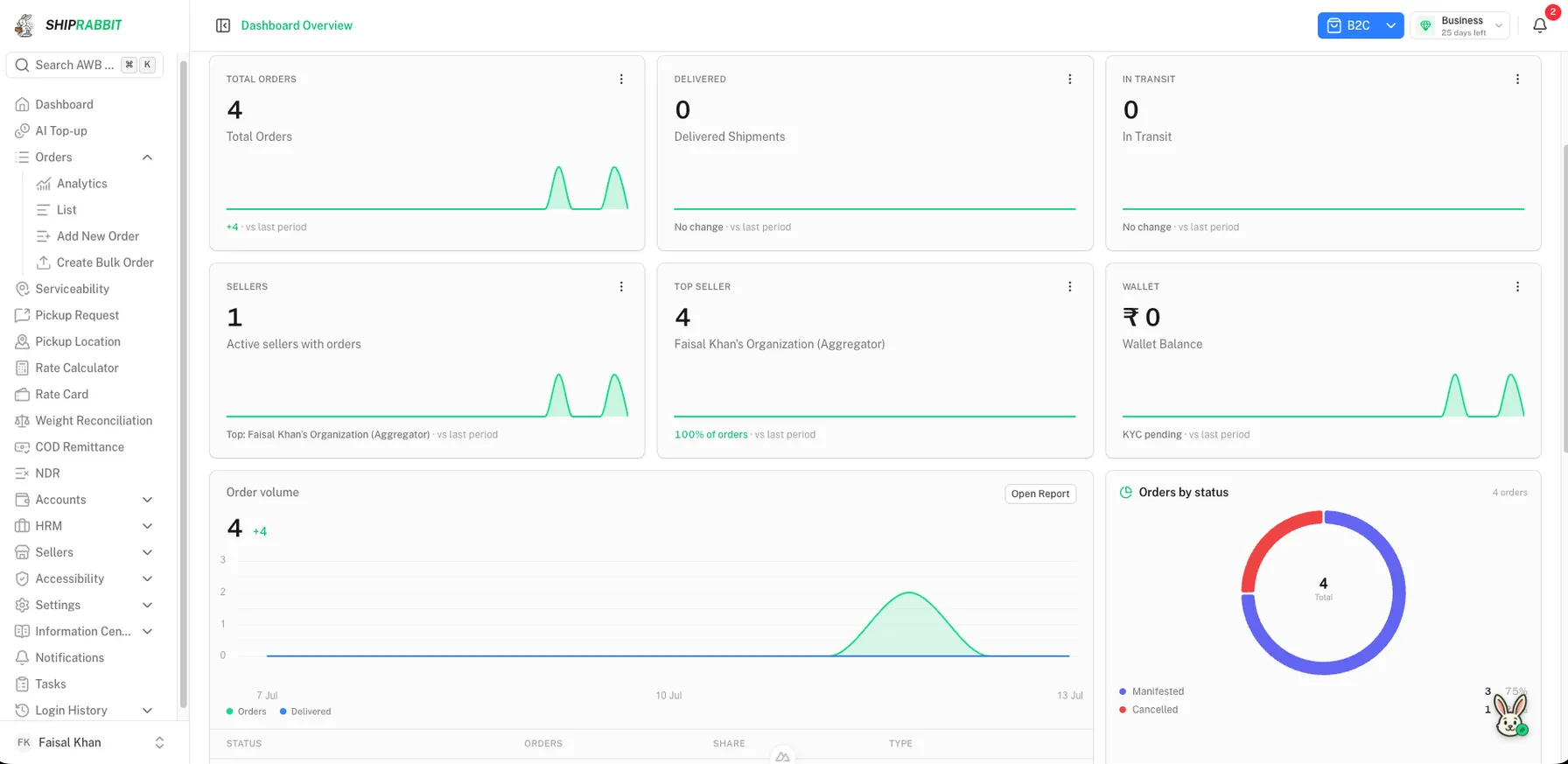
ShipRabbit works from a CSV the aggregator uploads, for B2B or B2C. A row is stored when the waybill matches an order already on that account. The team can search, filter by seller and channel, and export. A record can show the seller, the courier on the order, the consignee, the rejection reason, the remark, origin, destination, and the attempt count. On an open record the team records a re-attempt or an RTO request. The action, the person, and the time stay on the record. The seller is emailed when the aggregator records it, and the aggregator is emailed when the seller records it. Sellers can see and act on their own records. The update stores the request and queues that email. It does not message the consignee or call a courier API.
| Approach | Best for | Limitation |
|---|---|---|
| Manual portal checks | Under 20 shipments daily | Does not scale; multi-carrier friction |
| Spreadsheet tracking | Transition phase | No real-time carrier sync |
| Outreach plus a courier instruction | Teams that run their own messaging | The message and the courier instruction are separate steps |
| Aggregator NDR list | A logistics business and its sellers | Only the review and requests that product actually stores |
NDR Management vs Related Concepts
NDR management is distinct from customer support ticket handling. Support tickets may arise from NDRs, but NDR management is time-sensitive operational workflow tied to carrier deadlines — not general inquiry resolution.
It is also distinct from RTO management, which begins after RTO is initiated. NDR management is preventive: action during the exception window before return freight is incurred. RTO reduction strategies depend heavily on NDR performance.
Tracking page updates show shipment status. A page that says "delivery attempted" does not decide the next step. NDR management is that decision: another attempt, or a return. A team may still call or message the buyer, and may still send an instruction to the courier, using the tools that courier accepts. ShipRabbit records the decision on the shipment. It does not send the message or the courier instruction.
Getting Started with NDR Management
Audit your current process: how many NDRs arrive weekly, and how many receive a decision before the courier starts a return. If most age into RTO with no recorded action, that is the gap to close first. There is no standard recovery percentage to aim at.
If you ship through multiple couriers, prioritize consolidating NDR visibility before optimizing outreach templates. You cannot action what you do not see.
The general process is in how NDR management works. ShipRabbit's desk is NDR management, inside courier aggregator software.
NDR Timelines and Carrier Deadlines
Each courier sets its own cutoff after an NDR, commonly talked about as 24 to 72 hours before that courier starts a return. Missing the cutoff means the shipment returns even if the buyer would still take it. Teams often want that timer visible. ShipRabbit's list shows the attempt count and the reason from the uploaded row. It does not calculate each courier's return timer.
Second and third delivery attempts may have separate NDR cycles with shorter windows. Track attempt count per AWB and adjust outreach urgency accordingly. A third-attempt NDR on a high-value COD order warrants immediate phone outreach, not a template SMS scheduled for tomorrow.
Holiday and weekend cutoffs vary by carrier hub operations. An NDR generated Friday evening may have a different effective deadline than one generated Monday morning, depending on that carrier's calendar. Write the cutoff into the team's own notes. Do not assume a software platform has encoded every courier's timer.
Team Roles in NDR Management
Small teams often combine NDR response with general customer support. Larger operations dedicate NDR specialists who understand carrier portals, action codes, and buyer outreach scripts. Define escalation paths: support agents capture address corrections; NDR specialists submit carrier actions; team leads handle disputed RTO cases with courier account managers.
Measure individual and team response times separately from recovery rates. Fast responses that submit wrong actions — reattempt when buyer confirmed cancellation — waste attempts and annoy buyers. Quality metrics include action accuracy and reattempt success rate, not speed alone.
Training should cover carrier-specific action codes, COD collection implications on reattempts, and when to accept RTO rather than prolong recovery on low-value or repeatedly unreachable buyers.
Technology Requirements for NDR Management
A fully automated industry setup often includes event feeds from carriers, a single queue, templated messages to the buyer, and an API or portal step that sends the instruction back to the courier. Spreadsheets get hard to keep current once volume rises. That setup is a design some teams build. It is not the definition of every NDR desk.
Mobile screens help a field team review open cases outside warehouse hours. A push when a high-value case arrives is another operations choice. It is separate from storing the re-attempt or RTO request.
Audit logs recording who submitted each NDR action, and when, help when a team later has to explain the decision. ShipRabbit stores that history for a re-attempt or RTO request, and emails the seller or aggregator. It does not ingest NDR events from courier tracking, message the consignee, or push the request to a courier API. Sellers on the account can see and act on their own records.
Key Takeaways
- NDR stands for Non-Delivery Report — a courier notification that delivery failed
- Common NDR reasons include buyer unavailable, wrong address, and refused COD
- Without NDR action, couriers return shipments to origin after failed reattempts
- NDR management is the follow-up on a failed delivery, not the delivery itself
- A team reviews the shipment, then records a re-attempt or a return
Frequently Asked Questions
What triggers an NDR?
When a courier attempts delivery and fails — buyer not home, address incomplete, COD refused, or premises closed — the carrier generates an NDR.
How long do I have to act on an NDR?
Most couriers allow 24-72 hours for reattempt instructions before marking the shipment as RTO. Speed of response is critical.
Is NDR management only for COD orders?
NDRs affect both COD and prepaid shipments, though COD orders generate more NDRs due to buyer refusal at delivery.
Can NDR management be fully automated?
Some operations message buyers by SMS, WhatsApp, or IVR, then submit an instruction to the courier. That is a general practice. ShipRabbit's desk records a re-attempt or RTO request on a matched shipment and emails the seller or aggregator. It does not message the consignee or call a courier API.
ShipRabbit
Learn how ShipRabbit helps businesses automate shipping
Discover how a unified courier aggregation platform simplifies multi-carrier shipping for eCommerce teams.
Related Articles
How NDR Management Works
A detailed look at how NDR management works — from courier non-delivery reports through buyer outreach, reattempt scheduling, and RTO prevention.
Read article →How to Reduce RTO in eCommerce
Proven strategies to reduce RTO in eCommerce — address verification, COD confirmation, NDR follow-ups, and pincode-level courier optimization.
Read article →How to Improve eCommerce Delivery Success Rate
Actionable strategies to improve your eCommerce delivery success rate — courier selection, NDR automation, address validation, and performance analytics.
Read article →What Is COD Remittance?
Understand what COD remittance is, how cash-on-delivery collections flow from courier to seller, and typical timelines and reconciliation processes.
Read article →Stay ahead in eCommerce logistics
Get practical shipping guides, courier insights, and automation tips delivered to your inbox.