
How Courier APIs Work
A technical overview of how courier APIs work — authentication, endpoints, webhooks, rate requests, label generation, and integration best practices.
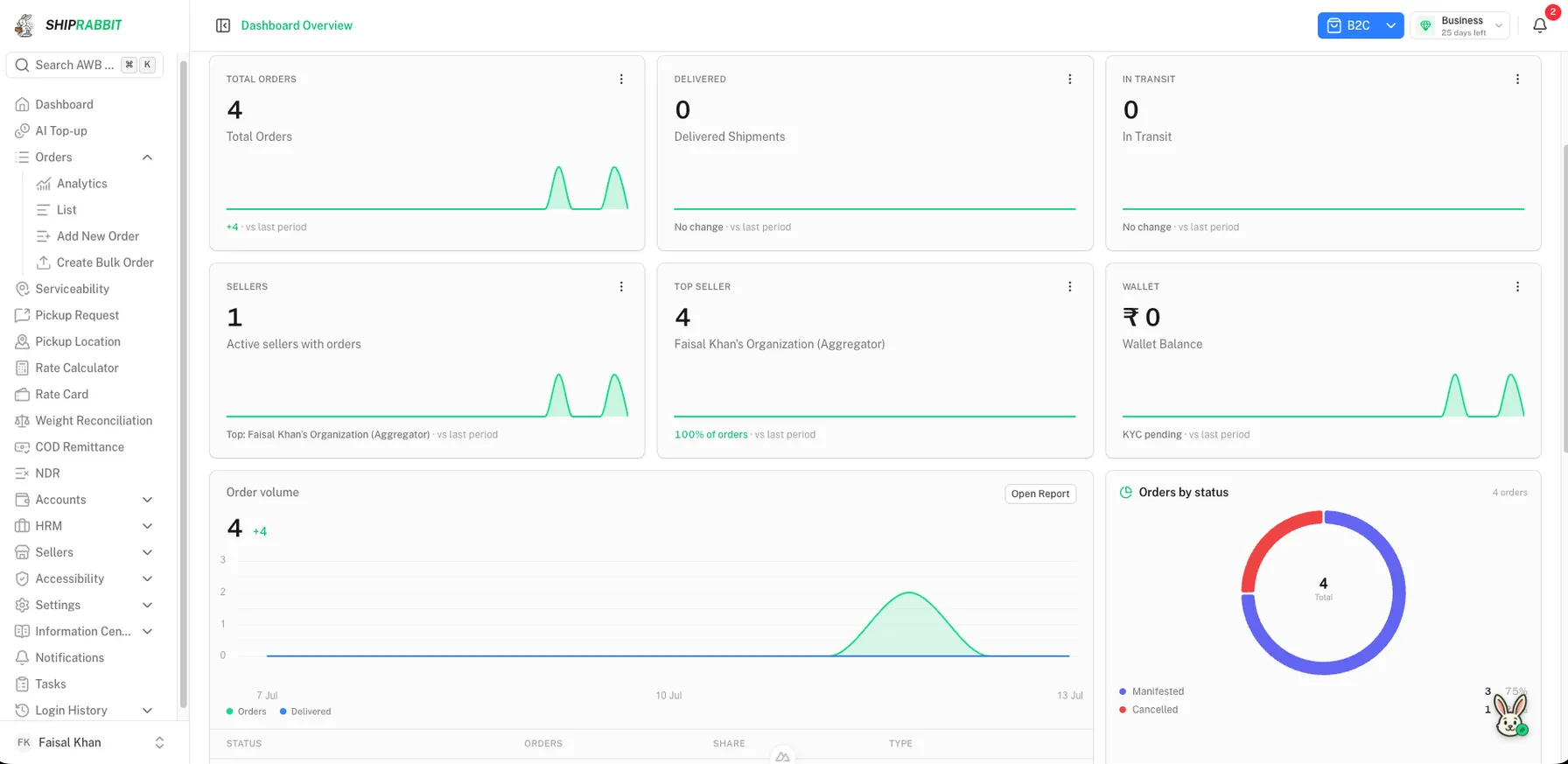
Overview of the Integration Lifecycle
Courier API integration is the process of connecting your order management, warehouse, or eCommerce systems to a carrier's booking and tracking infrastructure through HTTP requests. A typical forward shipment passes through authentication, serviceability validation, rate resolution, shipment creation, label generation, pickup scheduling, and ongoing status synchronization until the package is delivered or returned.
Each stage has failure modes that affect customer experience. A serviceability false positive books a shipment to an unserviceable pincode. A malformed COD amount causes rejection at handover. Missing webhook handling leaves customers without tracking updates. Understanding the full lifecycle helps you design integrations that fail gracefully and keep operations moving.
This article explains how courier APIs work technically. For definitions and use cases, start with what a courier API is.
Authentication and Security
Carriers issue API credentials after onboarding — commonly API keys paired with client IDs, bearer tokens with expiry, or HMAC-signed requests where each call includes a timestamp and signature computed from a shared secret. Store credentials in environment variables or a secrets manager, never in source code or client-side applications.
Token refresh flows matter for OAuth-based APIs. Background jobs should renew tokens before expiry so midnight shipment batches do not fail silently. Rotate credentials on a schedule and when team members with access leave the organization.
Webhook endpoints you expose for tracking callbacks must validate incoming signatures or shared secrets to prevent spoofed status updates. Use HTTPS, reject replayed events with timestamp checks where supported, and log raw payloads for debugging without exposing them to end customers.
- Store API keys in server-side secrets, not frontend code
- Implement token refresh before expiry for OAuth carriers
- Validate webhook signatures on every inbound tracking event
- Use HTTPS and restrict webhook IPs if the carrier publishes allowlists
- Audit credential access when team roles change
Serviceability and Rate Lookup
Before creating a shipment, integrations call serviceability endpoints with origin pincode, destination pincode, payment mode, and sometimes weight or product category. The response indicates whether the lane is covered, expected delivery timelines, and whether COD is available up to a maximum order value.
Rate lookup endpoints return shipping charges based on zone mapping, weight slabs, and volumetric weight rules. Some carriers return a single rate; others return product variants like express vs surface. Your system should cache zone matrices carefully — stale cache leads to incorrect quotes at checkout if carriers update rate cards.
Aggregator platforms perform these checks across multiple carriers in one call. How multi-courier shipping works describes how routing logic selects a carrier after serviceability and rate data are collected.
Volumetric weight handling
Couriers bill on whichever is higher: dead weight or volumetric weight calculated from package dimensions. APIs often require length, width, and height in centimeters alongside dead weight in kilograms. Missing dimensions default to dead weight at booking but may be re-weighed at hub sortation, causing billing discrepancies if your declared weight was lower.
Shipment Creation and Label Generation
The create-shipment request bundles shipper details, consignee name and phone, full address with pincode, product description, declared value, COD collectible amount, weight, dimensions, and reference order ID. Carriers use the reference ID to deduplicate retries — pass your internal order number consistently.
Successful responses return an AWB or tracking number plus label data. Labels may arrive as PDF URLs, ZPL for thermal printers, or base64-encoded images. Your WMS should download and cache labels immediately; some URLs expire within hours. Handle partial failures in bulk booking: if 98 of 100 shipments succeed, surface the two failures clearly rather than blocking the entire batch silently.
Pickup scheduling APIs let you request collection from your warehouse address on a given date. Some integrations skip explicit pickup calls when the carrier operates daily scheduled pickups for registered shipper accounts — confirm this during onboarding to avoid missed collections.
| Step | Typical API action | Failure to handle |
|---|---|---|
| Validate lane | Serviceability check | Booking to unserviceable pincode |
| Confirm cost | Rate lookup | Checkout quote mismatch |
| Book shipment | Create order / AWB | Duplicate or missing AWB on retry |
| Print label | Fetch label URL | Warehouse cannot ship without label |
| Notify customer | Store AWB, trigger comms | Customer has no tracking link |
| Monitor delivery | Webhooks / polling | Support tickets from status gaps |
Tracking, NDR, and Exception Handling
Tracking APIs and webhooks emit status codes as shipments move through pickup, in-transit hubs, out-for-delivery, delivered, failed delivery, and RTO initiation. Map carrier-specific codes to customer-friendly labels before displaying them on your tracking page — "UD" means nothing to a buyer waiting for a package.
When delivery fails, carriers generate Non-Delivery Reports (NDRs). NDR APIs or portal workflows let you submit buyer feedback: reattempt delivery, update address, or request RTO. Automating NDR responses through your OMS reduces RTO rates significantly compared to ignoring exception queues. Learn more in how NDR management works.
Implement retry logic with exponential backoff for transient HTTP errors. Distinguish retryable failures (503, timeout) from permanent ones (400 invalid pincode). Queue failed bookings for manual review rather than infinite automated retries that duplicate shipments.
Integrating Through an Aggregator Instead
Building and maintaining direct courier API integrations requires ongoing engineering whenever carriers change endpoints, add mandatory fields, or deprecate authentication methods. For most eCommerce operators, integrating with an aggregator API is faster and more maintainable.
ShipRabbit exposes REST APIs for shipment booking, tracking, NDR actions, and COD remittance visibility while managing carrier-specific integrations internally. Logistics companies use ShipRabbit as a white-label platform to offer unified APIs to their seller networks without maintaining Delhivery, Blue Dart, DTDC, and other integrations separately.
Compare approaches in courier aggregator vs direct integration and build vs buy courier aggregator software when deciding whether to invest in custom carrier connectors.
Implementation Checklist
Before going live: test prepaid and COD bookings on pincodes across your top zones, verify label format compatibility with your printers, confirm webhook delivery from the carrier's production environment to your endpoint, and run a reconciliation job that compares your order database against carrier booking records daily.
After launch: monitor API error rates, average booking latency, and tracking update lag. Set alerts when error rates spike — often the first signal of a carrier-side change your mapping layer has not caught yet.
Developers evaluating platform options should review shipping API fundamentals and explore the ShipRabbit courier aggregator platform for a single integration path to multiple carriers.
Production Error Handling Patterns
Production courier API integrations encounter predictable error categories. Validation errors — invalid pincode format, weight below minimum, COD exceeding carrier limit — should surface immediately to operations with actionable messages, not generic failure codes. Transient errors — gateway timeouts, 503 responses, rate limit exceeded — warrant retry with exponential backoff and idempotency keys tied to your order ID.
Duplicate booking prevention is critical during retries. Store a booking state machine per order: pending, booked, failed-permanent, failed-retry. When a create-shipment call times out, query the carrier's order lookup endpoint by reference ID before resubmitting. Many duplicate AWB disputes trace to retry logic that did not check whether the first request actually succeeded.
Webhook processing should be idempotent too. Carriers may deliver the same tracking event multiple times. Upsert status by AWB and event timestamp rather than blindly appending duplicate rows that trigger duplicate customer notifications. Dead-letter queues for webhook parsing failures let engineers replay events after fixing mapping bugs without losing tracking history.
Centralized logging with correlation IDs linking order ID, AWB, and carrier request ID accelerates support investigations when sellers report missing labels or stuck shipments. Shipping automation platforms embed these patterns so individual merchants do not rebuild reliability infrastructure from scratch.
Key Takeaways
- Authentication typically uses API keys, OAuth tokens, or JWT with per-environment credentials
- Rate API calls accept origin, destination, weight, and dimensions to return shipping quotes
- Shipment creation endpoints accept order details and return AWB numbers and label URLs
- Tracking APIs and webhooks provide status updates from pickup through delivery or RTO
- Error handling must account for carrier downtime, rate limits, and pincode unserviceability
Frequently Asked Questions
What is the typical courier API integration flow?
Authenticate, check serviceability, fetch rates, create shipment, download label, subscribe to tracking webhooks, and handle NDR callbacks.
How do rate limits affect courier API usage?
Carriers impose request limits per minute or hour. High-volume operations need queuing, retry logic, and aggregator buffering.
Should I integrate each courier API separately?
Only if you have dedicated engineering resources. Aggregator APIs reduce N integrations to one with normalized request and response formats.
How are shipping labels returned via API?
Most APIs return a PDF or PNG URL for the label after successful shipment creation. Some support direct thermal printer formats.
ShipRabbit
See how ShipRabbit manages multiple courier partners from one dashboard
Reduce shipping costs, improve delivery success, and scale operations without switching between courier portals.
Related Articles
What Is a Courier API?
Understand what a courier API is and how it enables automated shipment creation, label generation, tracking webhooks, and serviceability checks.
Read article →What Is a Shipping API?
Learn what a shipping API is, how it connects your store or OMS to courier partners, and the core endpoints for booking, tracking, and rate calculation.
Read article →Courier Aggregator Software vs Direct Courier Integration
Compare courier aggregator software against direct courier integration — cost, speed to launch, maintenance, control, and which approach fits your business.
Read article →Shipping Automation for eCommerce Businesses
How shipping automation helps eCommerce businesses scale — auto label generation, tracking sync, NDR workflows, courier rules, and API integrations.
Read article →Stay ahead in eCommerce logistics
Get practical shipping guides, courier insights, and automation tips delivered to your inbox.