
How Courier Aggregator Software Works
Understand how courier aggregator software routes orders to carriers, compares rates, generates labels, and syncs tracking through a single unified platform.
The High-Level Flow: From Order to Delivery
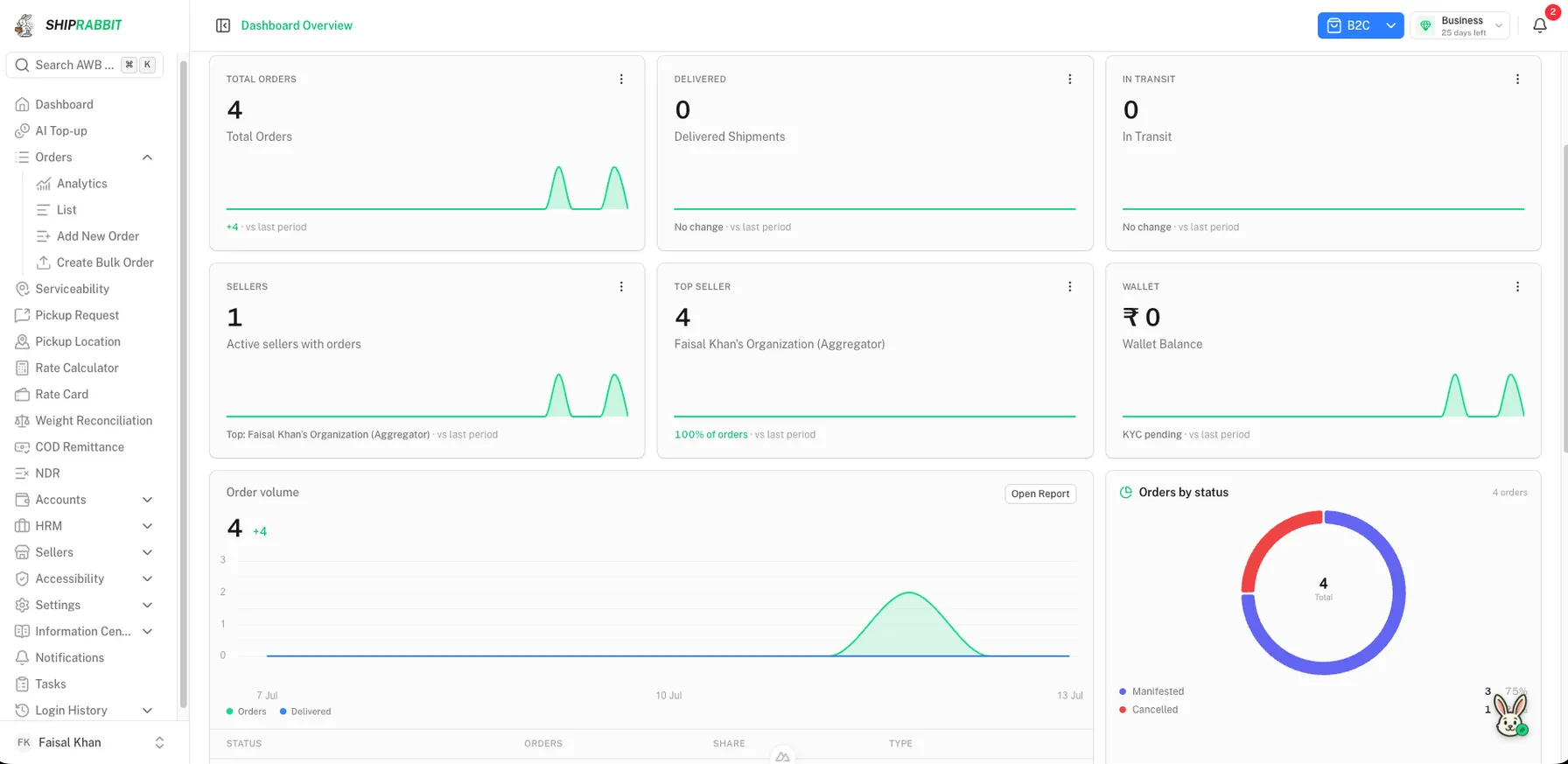
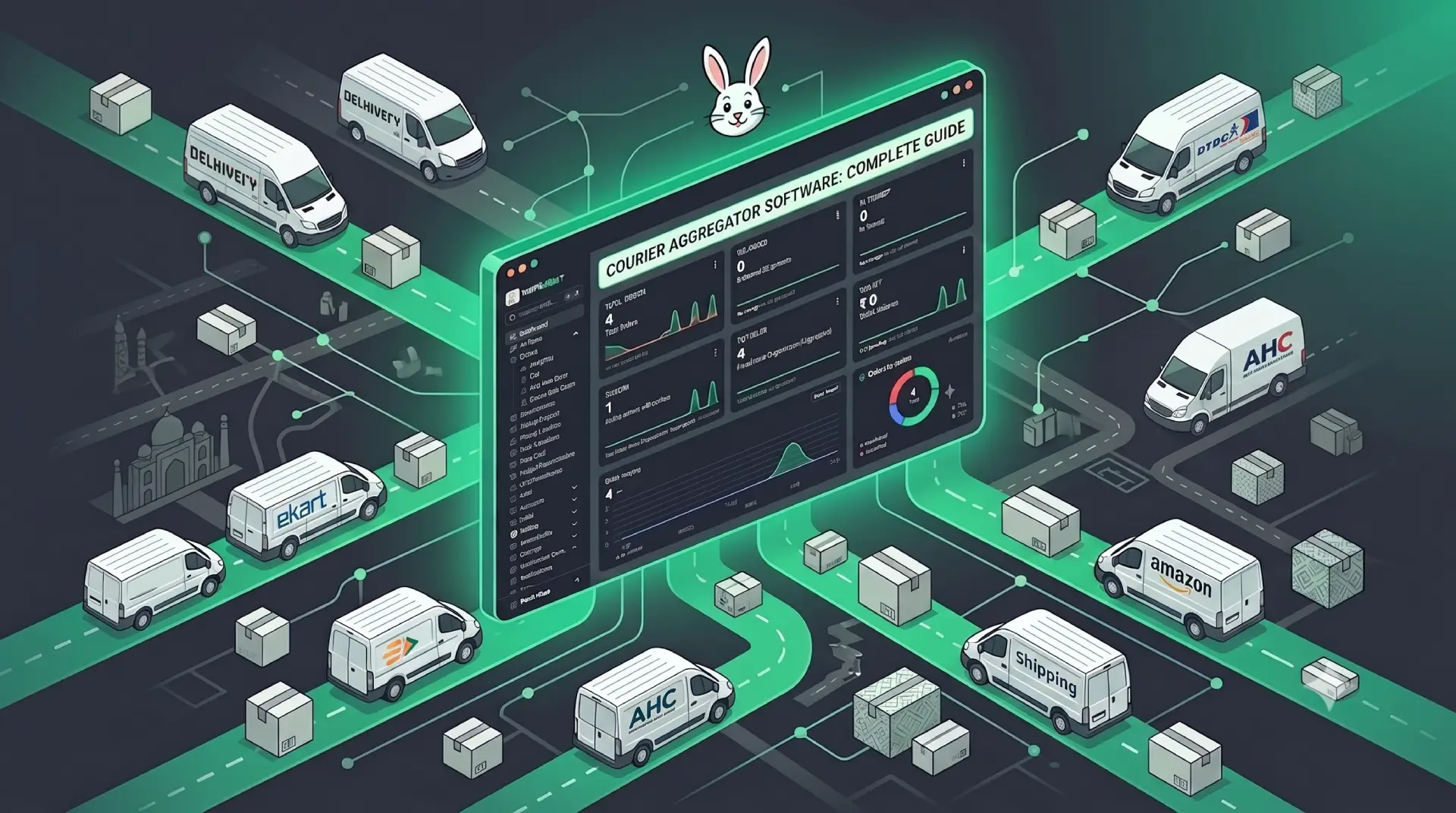
Courier aggregator software sits between your business systems and multiple courier partners. When an order is ready to ship, the platform receives shipment details — origin pincode, destination, weight, dimensions, payment mode, and product value — then orchestrates serviceability verification, rate calculation, courier assignment, label creation, pickup scheduling, tracking updates, and exception handling.
Each courier exposes different APIs, label formats, status codes, and business rules. The aggregator normalizes these differences so your team or OMS interacts with one consistent workflow regardless of which carrier moves the package.
If you are new to the concept, start with what courier aggregator software is. This article explains the mechanics behind that definition.
Step 1: Order Ingestion and Data Normalization
Shipments enter the aggregator through manual dashboard entry, CSV bulk upload, or API calls from an OMS, WMS, or eCommerce platform. Channel connectors for Shopify, WooCommerce, and marketplaces pull orders automatically when SKUs are mapped and fulfillment rules are configured.
Before any courier sees the data, the platform validates required fields: valid pincodes, realistic weight and dimensions, supported payment modes, and compliance fields for restricted categories. Missing data is flagged early because courier APIs reject malformed payloads at booking time.
Normalization standardizes address formats, strips characters that break label printers, and maps internal order IDs to shipment references used across tracking and billing.
API-driven vs manual workflows
High-volume sellers rely on shipping APIs to push orders programmatically. Smaller operations book through the dashboard until volume justifies integration. Both paths converge on the same internal shipment object once validated.
Step 2: Serviceability and Rate Engine
Serviceability checks determine which couriers can deliver to a destination pincode with a given payment mode and weight. The aggregator queries cached databases maintained per courier partner, refreshed daily or in real time for critical lanes.
The rate engine calculates shipping cost for each eligible courier. Rate cards vary by zone, weight slab, payment type, and optional services. Aggregators apply your negotiated rates or platform-negotiated rates when shipping through master accounts.
Platforms support rule-based courier selection — cheapest eligible option, fastest SLA, zone preferences, or AI-assisted scoring. AI-powered courier selection explores intelligent routing in practice.
| Engine input | What it determines | Why it matters |
|---|---|---|
| Destination pincode | Courier eligibility | Avoids undeliverable bookings |
| Weight and dimensions | Rate slab and volumetric charge | Prevents billing surprises |
| Payment mode | COD availability and fees | Critical for Indian eCommerce |
| Origin warehouse | Pickup SLA and zone mapping | Affects cost and reliability |
Step 3: Booking, Labels, and Pickup
Once a courier is selected, the aggregator calls that partner booking API. The courier returns an AWB number, label PDF or ZPL data, and sometimes a pickup request ID stored against your order reference.
Each courier specifies label dimensions, barcode formats, and mandatory fields. Aggregators render warehouse-compatible 4x6 thermal labels and support bulk printing for dispatch sessions.
Pickup scheduling varies: some couriers auto-register pickups at AWB thresholds; others require explicit API calls. The platform tracks pickup status and surfaces delays before SLA breaches.
Step 4: Tracking, Webhooks, and Status Mapping
Couriers push tracking events via webhooks or polling. Raw statuses differ — one carrier sends "In Transit" while another uses coded values. The aggregator maps these to unified milestones: booked, picked up, in transit, out for delivery, delivered, RTO initiated, RTO delivered.
Unified tracking powers customer emails, marketplace sync, and internal dashboards. Branded tracking pages pull from the same normalized event stream.
Production-grade aggregators retry failed webhooks, deduplicate events, and fall back to polling when feeds lag.
NDR and exception workflows
When delivery fails, the courier records a non-delivery. Some products ingest that event and message the buyer. ShipRabbit's NDR desk starts from a CSV of waybills the aggregator uploads. Matching orders appear on a list, and the team records a re-attempt or RTO request. The background is in what NDR management is.
COD remittance tracking
For COD shipments, the platform tracks collection at delivery and remittance cycles. Wallet balances consolidate what each partner owes. See what COD remittance involves for the full lifecycle.
The Integration Layer Behind the Scenes
Under the dashboard, the aggregator maintains adapter modules per courier — authentication, request transformers, response parsers, and error mappers. When carriers update APIs, the vendor updates adapters so your integration stays stable.
This abstraction is the trade-off versus direct courier integration. You integrate once with the aggregator REST API; they maintain N carrier connections.
Typical API capabilities include create shipment, cancel, track, rate estimate, serviceability check, and label download. Test documentation and sandboxes during evaluation.
White-Label Platforms vs Merchant Dashboards
Merchant-focused platforms give sellers a dashboard for their own shipments. White-label platforms like ShipRabbit are architected for logistics companies reselling multi-courier shipping — with seller portals, wallet billing, configurable rate cards, and branded tracking under the operator domain.
White-label courier aggregator software covers the operator use case. Multi-courier shipping software explains the routing layer both models share.
Failure Handling and Performance Monitoring
Production shipping involves API timeouts, label errors, pickup no-shows, and misrouted pincodes. Reliable aggregators retry transient failures, surface actionable errors, and maintain state machines so partial bookings do not leave orphaned records.
Reporting on RTO rates, first-attempt delivery, and transit days by courier and zone helps refine routing rules. Operational data becomes better courier selection over time.
Explore benefits of courier aggregator software and the courier aggregator software hub for evaluation next steps.
A Day in the Life: Operations Team Perspective
Morning dispatch starts with the operations lead opening one dashboard filtered to paid orders ready for packing. Yesterday, the same workflow required logging into three courier portals and copying addresses from a spreadsheet. Today, a bulk import from the OMS populated 140 shipments overnight via API. The team reviews flagged rows — two orders with invalid pincodes caught during validation, one overweight parcel needing dimension correction.
After warehouse staff pick and pack, they scan order barcodes and print labels in a single batch. Each label shows the correct courier logo because routing rules assigned carriers overnight: prepaid under 500g to the cheapest eligible partner, COD orders in Maharashtra to a carrier with strong collection history in that state. No one manually chose couriers per parcel unless an exception flag appeared.
Afternoon support handles buyer calls using unified tracking search. When a shipment was not delivered, the agent reviews the NDR record and records a re-attempt or a return. Some teams also message the buyer. That message is an operations choice. ShipRabbit stores the request and does not send it to the consignee or to a courier API. This daily rhythm — ingest, validate, route, print, track, resolve — is the work the desk is there to hold.
Data Objects the Platform Maintains
Behind the UI, aggregators maintain structured records linking your business entities to carrier artifacts. A shipment record ties your order ID to AWB number, selected courier, rate charged, label URL, pickup status, and normalized tracking timeline. Wallet transactions record debits for shipping charges and credits for COD remittance.
Rate card objects define zone mappings, weight slabs, and surcharges per courier — either platform defaults or your uploaded contracts. Serviceability caches store pincode-by-pincode eligibility refreshed on schedules or on demand. Understanding these objects helps when debugging why a specific order routed unexpectedly or billed differently than estimated.
Reporting layers aggregate shipment records into courier performance metrics, spend by zone, and RTO trends. Operations managers export these weekly to refine routing rules. Finance uses remittance records to reconcile expected vs received COD settlements per partner.
Security, Credentials, and Compliance
Aggregator platforms store courier API credentials centrally — sellers never handle raw carrier tokens unless using direct contract integrations. Role-based access controls limit which staff can cancel shipments, modify rate cards, or export customer PII.
Shipping data includes buyer names, phone numbers, and addresses subject to privacy expectations. Evaluate vendor data retention policies, encryption in transit and at rest, and whether audit logs track who accessed sensitive records.
High-value or regulated categories may require additional documentation on labels or manifests. Confirm whether the platform supports mandatory fields and whether courier adapters pass compliance data correctly at booking time.
Migration From Manual or Single-Courier Workflows
Teams migrating from one courier portal typically pilot aggregation with new orders only, keeping historical AWBs in the old system for tracking until delivery completes. Phased migration reduces risk during peak sale periods.
Map existing rate contracts into the platform before go-live if bring-your-own-rate is supported. Train warehouse staff on new label formats and scanner compatibility before switching full volume.
Compare delivery success and cost per shipment for four weeks post-migration against baseline. Adjust routing rules based on real performance data rather than assumptions from the old workflow. Platform selection and benefits help frame success metrics before you migrate.
Key Takeaways
- Aggregator software sits between your OMS and multiple courier partner APIs
- Each order passes through serviceability, rate comparison, and routing rules
- Labels and AWBs are generated via the selected carrier API in real time
- Tracking events from all couriers are normalized into one status feed
- NDR, COD, and remittance data flow through the same unified platform
Frequently Asked Questions
How does courier aggregator software route an order?
It checks pincode serviceability, compares rates across partners, applies your business rules, and books the shipment via the selected courier API.
Do I need separate courier accounts with an aggregator?
Most platforms handle carrier relationships on your behalf, though some models let you connect your own negotiated rate cards.
How fast can tracking updates appear?
Tracking syncs depend on courier webhook frequency and platform polling intervals — typically within minutes of carrier status changes.
Can aggregation work with my existing OMS?
Yes. REST APIs and pre-built connectors let orders flow automatically from Shopify, WooCommerce, custom OMS, or WMS systems.
ShipRabbit
Learn how ShipRabbit helps businesses automate shipping
Discover how a unified courier aggregation platform simplifies multi-carrier shipping for eCommerce teams.
Related Articles
What Is Courier Aggregator Software?
Learn what courier aggregator software is, how it differs from single-carrier tools, and why eCommerce businesses use it to manage multi-courier shipping.
Read article →
Benefits of Courier Aggregator Software
Explore the top benefits of courier aggregator software for eCommerce — lower shipping costs, faster fulfillment, unified tracking, and better delivery outcomes.
Read article →Multi-Courier Shipping Software Explained
Learn what multi-courier shipping software is, how it routes orders across carriers, and why eCommerce businesses rely on it for scalable fulfillment.
Read article →How Multi-Courier Shipping Works
Learn how multi-courier shipping works — order routing rules, rate comparison, serviceability checks, and unified tracking across carrier partners.
Read article →Stay ahead in eCommerce logistics
Get practical shipping guides, courier insights, and automation tips delivered to your inbox.